
 Facebook
 Twitter
 LinkedIn

Why Convert PDF to Text?
Your most important documents are probably PDFs: contracts, invoices, reports, receipts, and scans. PDFs are great for people to read, but they are a poor format for everything you want to do with them next. You cannot search across a folder of them at once. Scanned PDFs and photos contain no text at all, just a picture of text. And if you hand a PDF to an AI tool like ChatGPT, the AI often misreads it, and a PDF burns through far more tokens than plain text, so it costs more too.
There is a second problem people discover too late: those documents are full of names, addresses, account numbers, and other personal information you may not want to hand over to an AI service or share with other people.
Convert PDF to Text by cloudHQ solves both problems in one step. Pick files or a whole folder in your Google Drive, and every document becomes a clean plain text (.txt) file, saved right next to the original. Scanned PDFs, photos, and screenshots are read with OCR. If you turn on redaction, sensitive information is removed from the text automatically before it is saved. And with one checkbox, everything you convert is also collected into a single combined text file, one per folder or one for your entire Drive, ready to search or to hand to an AI in one go.
Why you can rely on it:
✅ OCR is built in: scanned PDFs, photos, and screenshots come out as real, searchable text
✅ Convert a whole folder in one job: each file gets its own .txt right next to the original
✅ Automatic redaction of names, emails, phone numbers, Social Security numbers, credit cards, and your own custom terms
✅ One combined text file per folder or for your whole Drive: all your documents become one searchable, AI-ready file
✅ Plain text uses a fraction of the AI tokens a PDF does, so working with AI gets cheaper
✅ Runs right from Google Drive: nothing to install on your computer, works with Shared Drives and on mobile
Why Convert a PDF to Text?
A PDF is built to look good on a page - not to be read by software. The text inside is broken into scattered fragments, and scanned PDFs are really just pictures with no readable text at all. That makes PDFs hard to search, hard to edit, and slow and costly for AI tools to process.
Plain text (TXT) is the opposite: clean, lightweight, and readable by every app, script, and AI model. Convert PDF to Text gives you that clean text from any PDF, scan, image, or screenshot in a single click - ready to search, edit, analyze, or feed straight to AI.


Extract Text from Scanned PDFs and Images with OCR
Plenty of PDFs have no text you can copy - they are scans, photos, or faxes saved as images. Convert PDF to Text runs every page through powerful built-in OCR (optical character recognition), so scanned contracts, photographed receipts, and screenshots come out as clean, editable text just like a regular PDF.
It all happens in the cloud, so there is no OCR software to install and no clunky upload-one-file-at-a-time website. Convert a single page or thousands of documents with the same one click.
Redact Sensitive Information as You Convert
Need the words but not the personal details? Switch on redaction and choose exactly what to remove from the extracted text:
- Person names
- Email addresses
- Phone numbers
- Mailing addresses
- Social Security numbers
- Bank account numbers
- Credit card numbers
- ...or any other information you type in


Get One Combined Text File for Each Folder
Turn on this option and Convert PDF to Text automatically keeps one combined text file inside every folder you work in. Each time you convert a file in that folder, its text is added for you - so the folder always holds a single, up-to-date text file with everything in it.
It is the easy way to search a whole folder at once, attach it to a ticket, or ask an AI assistant questions about every document inside - no stitching dozens of TXT files together.
Or One Text File for Your Entire Google Drive
Want everything in one place? Switch on the Drive-wide option and every file you convert anywhere in your Google Drive is added to a single master text file.
It is the simplest knowledge base you will ever build: one always-current text file with everything you have converted - ready for AI, instant search, or long-term archiving.

Why Combine Multiple PDFs into One Text File?
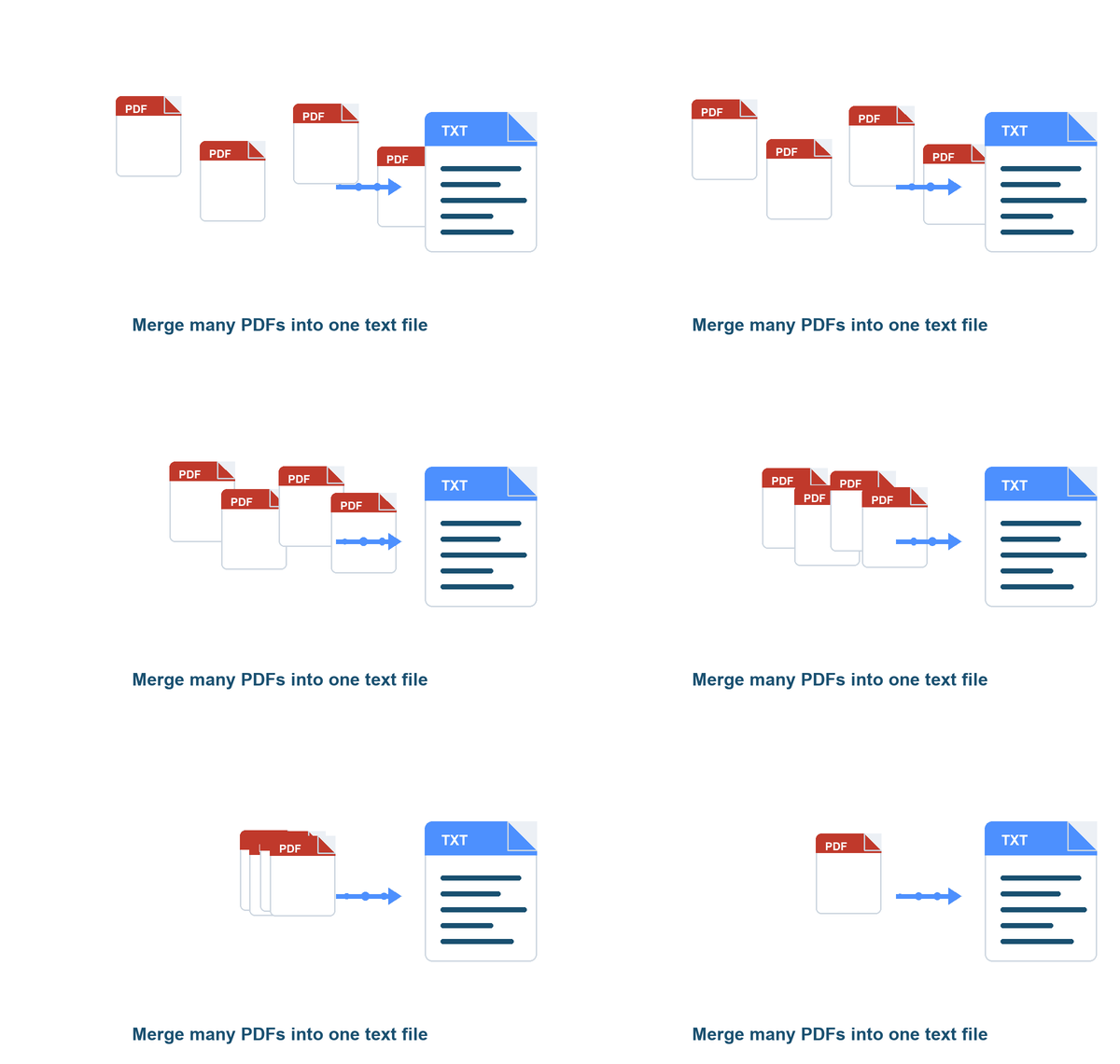
Converting many PDFs into a single text file has real advantages beyond converting just one document:
- One searchable document - instead of opening many PDFs one by one, search all of their content from a single text file at once.
- Easier review and comparison - quickly compare language across contracts, reports, invoices, forms, research papers, or legal documents.
- Better organization - one clean source of text is far easier to store, share, archive, or upload than a pile of separate PDFs.
- Faster AI and automation workflows - a single text file is easier to summarize, analyze, classify, translate, index, or process with AI tools and scripts.
- Simpler data extraction - pulling names, dates, invoice totals, policy terms, or customer details out of one combined file is far more efficient.
- Better audit trails and compliance review - for legal, finance, HR, and business records, one combined file makes it easy to review all related documents together.
- Less manual work - no copying text out of each PDF separately, so teams can process large batches of documents in a fraction of the time.
- Perfect for knowledge bases - turn manuals, guides, policies, and reports into one text source for internal search, training material, or chatbot ingestion.
Turn Your Documents into AI-Ready Text
AI tools like ChatGPT struggle with PDFs - layout clutter wastes space, scanned pages are invisible without OCR, and columns get jumbled. Plain text fixes all of it.
Use Convert PDF to Text to build clean training data from your document archive, create tidy files for AI search and Q&A, or - with redaction switched on - produce text that is safe to send to any AI service.

Cut Your AI Token Costs
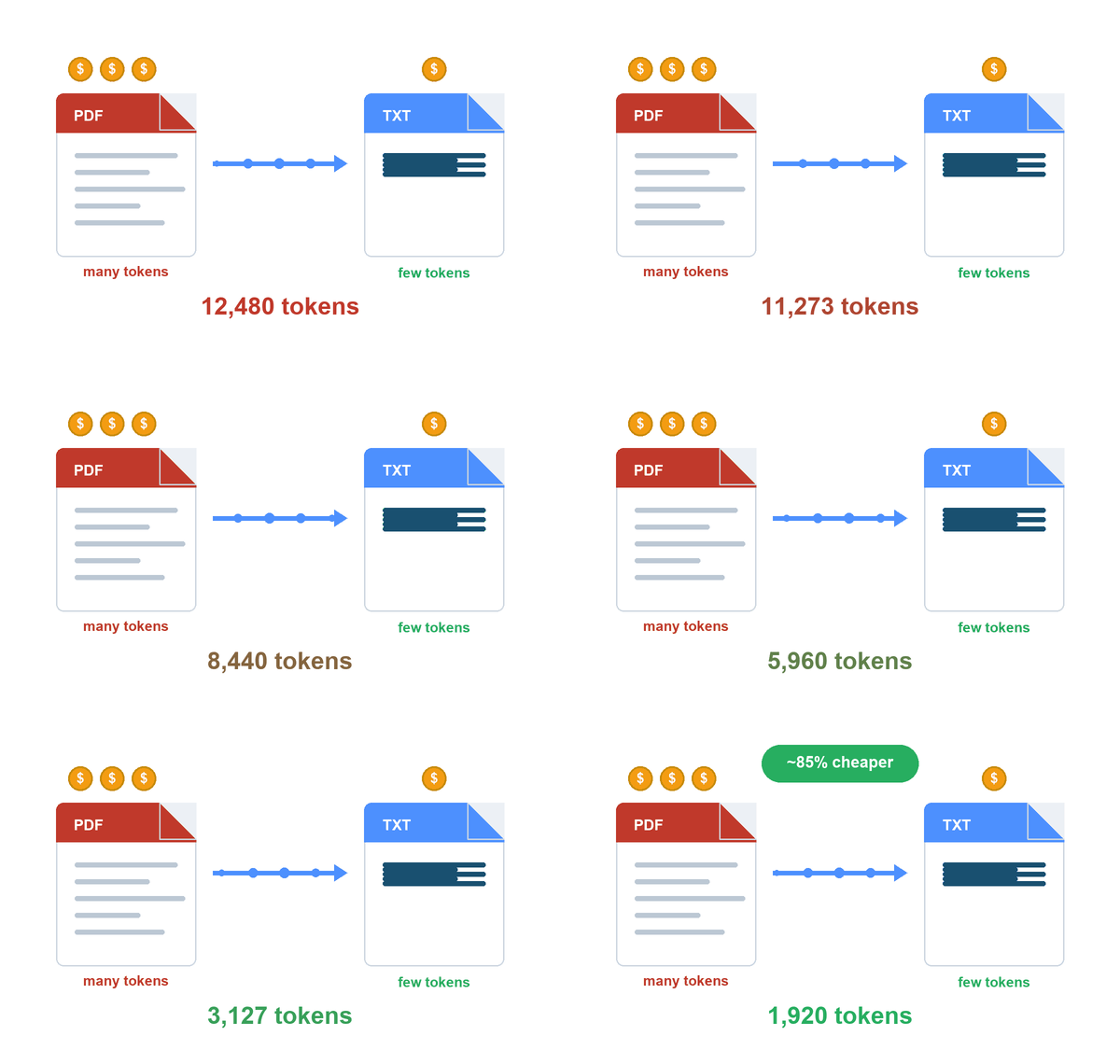
Sending a PDF to an AI model is expensive. PDFs are bulky - fonts, layout, images, and formatting all get counted, so a single page can burn far more tokens than the words it actually contains. And scanned PDFs need a vision model just to be read at all, which costs even more.
Plain text is lean: it is just the words, nothing else. Converting your PDFs to TXT first can dramatically shrink the token count you send to ChatGPT or any AI API - often by a large multiple - so every prompt is cheaper and faster, and you fit far more content inside the model's context window. Run a whole folder through Convert PDF to Text and feed the AI clean, low-cost text instead of heavy PDFs.
Make Every Document Instantly Searchable
When an audit or a quick which-document-mentions-this question lands on your desk, you should not have to open files one at a time. Once your PDFs and scans are plain text, you can search across all of them in seconds - in Google Drive search, your favorite editor, or the combined folder text files. Find a clause, an account number, or a name in moments instead of hours.


Turn Receipts and Screenshots into Usable Data
A screenshot of a receipt or invoice is just pixels - until you run OCR on it. Convert PDF to Text turns a folder of receipt photos and screenshots into clean text your bookkeeping, expense, or AI tools can actually read. Snap it, drop it in Drive, convert - done.
Try It Free - 20 Files, No Credit Card
Every account starts with a free trial: convert up to 20 files with no credit card required. That is plenty to convert a real folder of contracts or a month of receipts and see the text quality, OCR accuracy, and redaction for yourself. When you are ready to convert at scale, upgrading unlocks unlimited conversions.

How You Can Use Convert PDF to Text
AI and Data Teams
AI and retrieval tools need clean text, not PDFs. Data teams batch-convert entire Google Drive folders - scanned files included - into TXT, switch on PII redaction, and get tidy, safe-to-use training and search data in minutes.


Compliance and Audit Teams
When an audit request arrives, every folder already has a combined text file with the full content of every document. Finding each mention of an account, a vendor, or a clause takes seconds instead of days.
Legal Professionals
Discovery sets, contracts, and exhibits usually arrive as scans. Attorneys and paralegals OCR whole case folders to text, search across everything at once, and share redacted text versions whenever a document leaves the firm.


Accountants and Bookkeepers
Clients send receipts as photos and invoices as scans. Bookkeepers convert them to text in bulk so amounts, dates, and vendors can be pulled straight into the books - no more retyping from a screenshot.
Researchers and Archivists
Years of papers, reports, and historical records become a searchable, machine-readable library. The Drive-wide text file turns an entire archive into one document an AI assistant can answer questions about.


HR Teams
Resumes, signed policies, and personnel forms become searchable text - with names, addresses, and Social Security numbers automatically redacted whenever the text leaves the HR folder.
Operations and Admin Teams
Purchase orders, delivery notes, and signed forms turn into text the moment they hit the shared folder, and the combined folder file keeps a running, searchable log of everything that came in.


Small Business Owners
One simple tool that turns your paperwork - quotes, contracts, receipts, screenshots - into text you can search, paste into ChatGPT, and keep organized. No expensive OCR software required.
Whatever your work, Convert PDF to Text turns documents only people could read
into clean text that every app - and every AI - can use.
Frequently Asked Questions
How do I convert a PDF to text?
Can I convert a scanned PDF or an image to text?
What file types can I convert to text?
What information can I redact from the text?
Can I combine all my converted files into one text file?
- A folder-wide text file that collects the text of every file you convert in a given folder.
- A Drive-wide text file that does the same across your entire Google Drive - every file you convert anywhere is added automatically.
Why convert PDFs to text for AI and ChatGPT?
Where do my converted files go?
- In your Google Drive, right next to the source file, so your text copies live alongside the originals (and in the combined folder or Drive text file, if you enabled those).
- On your computer - each converted file is downloaded too, so you can drop it into a workflow or attach it without an extra step.
Can I convert many files at once?
Will my original PDF be changed?
Is my data secure?
- Conversion and OCR run on cloudHQ's own servers - your documents are never handed to a third-party conversion service.
- Files are kept only for the brief moment needed to convert them and are removed from our servers once the job is done.
- All communication with cloud services is encrypted via TLS.
- We never store passwords for cloud services - access uses OAuth and OpenID, so your credentials stay safe.
- Our software and infrastructure are regularly updated with the latest security patches, and our network is protected by an enterprise-class firewall.
Is it free? How much does Convert PDF to Text cost?
Testimonials
“We are building an internal AI assistant on top of fifteen years of project documents, and most of them are scanned PDFs. Convert PDF to Text OCR'd the whole archive straight from Google Drive, and the per-folder text files gave our AI clean input from day one. The PII redaction is what got the project past our security review.”
- Elena Vasquez, Head of Data Engineering
“During our last audit we were asked which contracts contained a specific clause. Because every folder already had its combined text file, we answered in an afternoon what used to take a week of opening PDFs one by one. This tool quietly became part of our compliance workflow.”
- Thomas Becker, Internal Audit Manager